ZX Spectrum emulator, Spectaculator for Windows that works on Linux
ID: 423
Category: Emulators
Added: 2nd of February 2026
Views: 1,024
Related Tips & Tutorials
➔
Install Fuse ZX Spectrum Emulator in Ubuntu and Ubuntu based distributions
While Fuse is the standard ZX Spectrum emulator for Linux, I recently decided to test Spectaculator 9. Since it is a native Windows application, I wanted to evaluate its performance on Linux Mint using Wine.
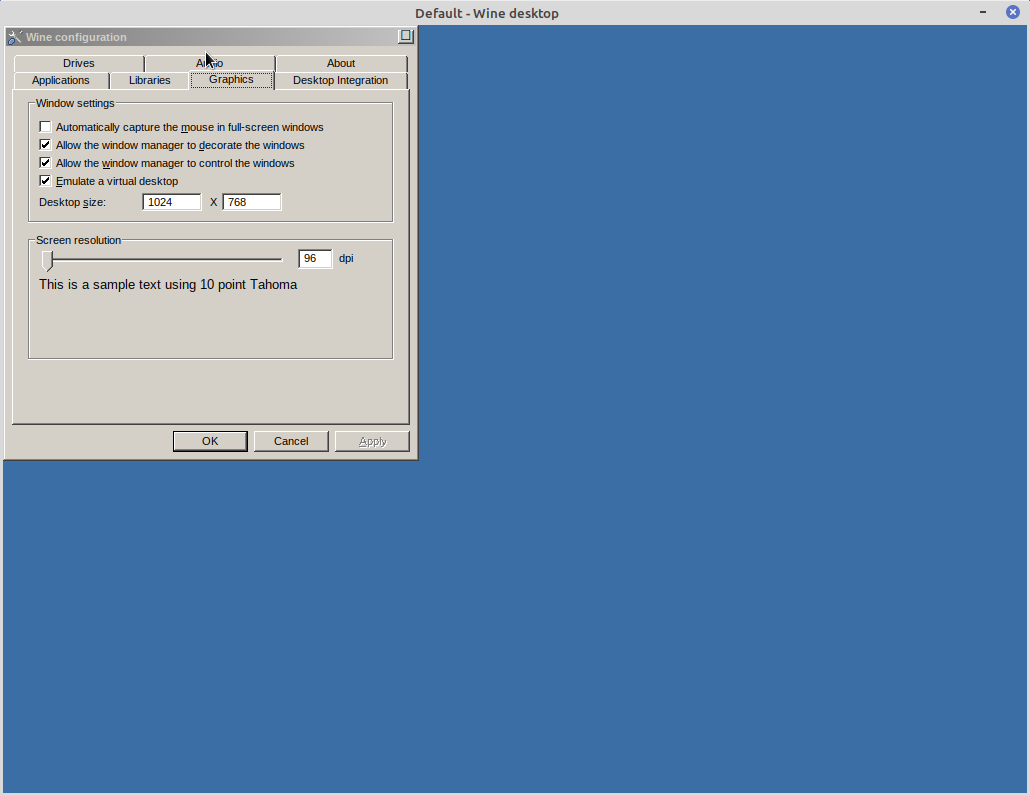
Before installing and launching Specactulator, I opened the Wine Configuration settings to enable a virtual desktop set at 1024 x 768 pixels. This acts as a safeguard against potential display or resolution-switching issues.
You can access these settings by entering this command in your terminal:
winecfg
Then clicking on
Graphics >
Emulator a virtual desktop and setting the Desktop Size
I
downloaded the latest version from the official Spectaculator website. Because the installer is an .msi file, it must be launched via the terminal using the following command:
wine msiexec /i Spectaculator90.msi
Installation went smoothly, and I was finally presented with the Installation Complete window.
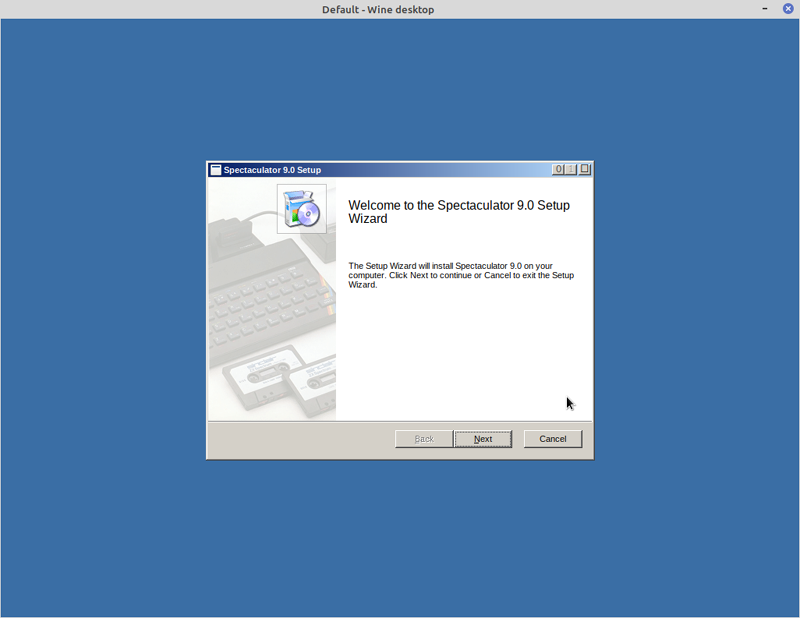
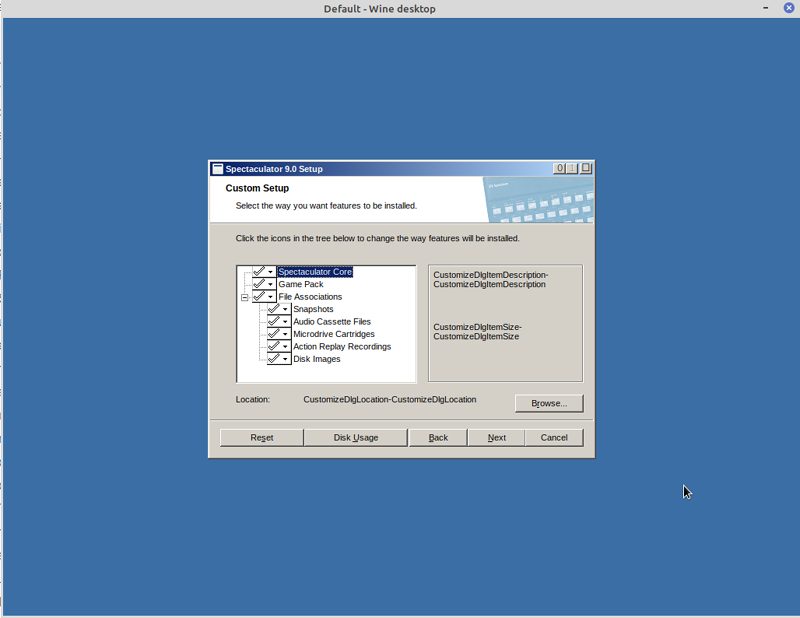
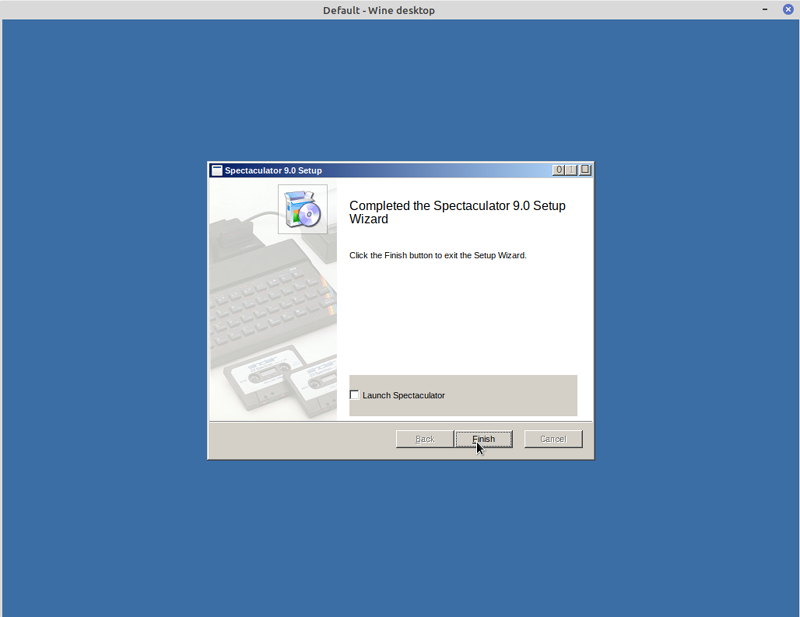
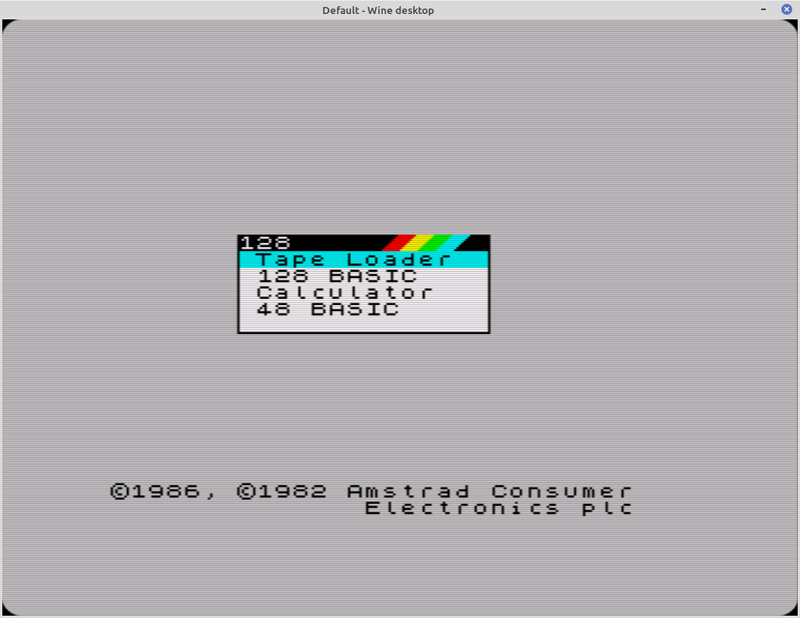
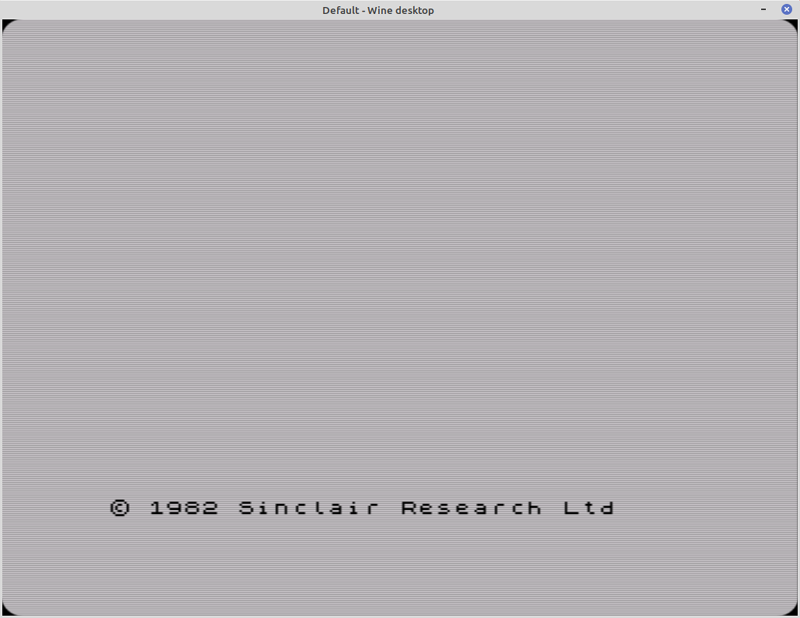
I then launched Spectaculator 9 via the main menu in Linux Mint, and was presented with the classic Sinclair 48k BASIC loading screen.
 Switching Model
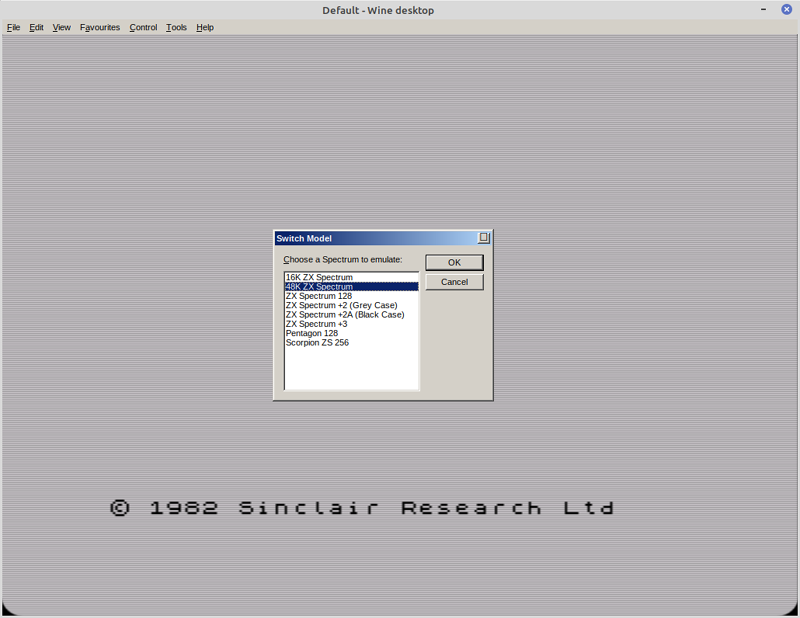
To switch model select
Control >
Switch Model from the top menu
From here you can select the following machines
- 16k ZX Spectrum
- 48k ZX Spectrum
- ZX Spectrum 128
- ZX Spectrum +2 (Grey Case)
- ZX Spectrum +2A (Black Case)
- ZX Spectrum + 3
- Pentagon 128
- Scorpian ZS 256
 Loading a game
Loading a game is simple, select
File >
Open and select your
.tzx or
.tap file
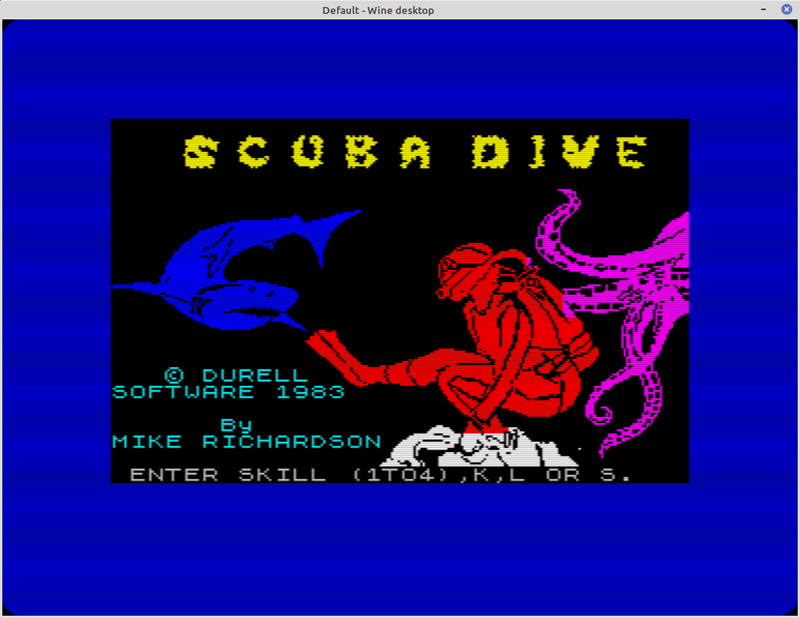
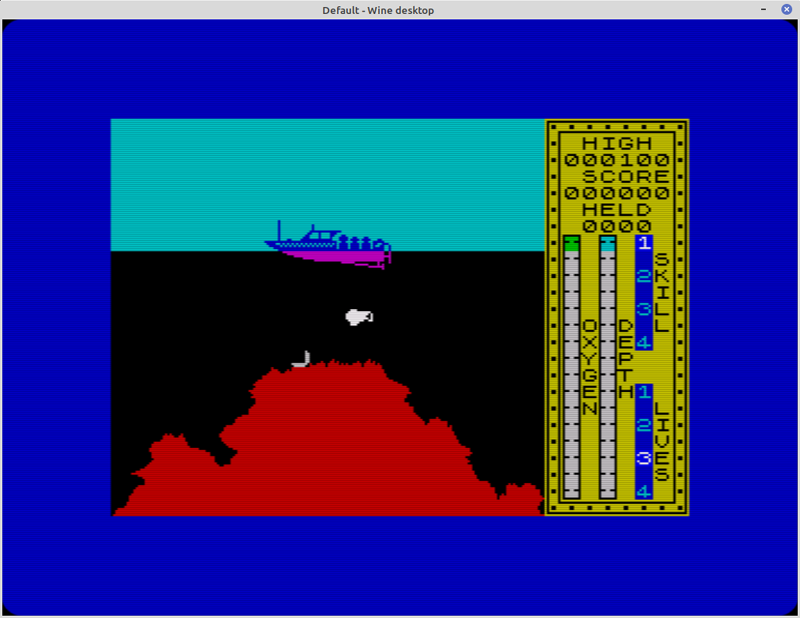
I have not been able to test all the features that are on offer, but after playing a few games I have not encountered any issues running this on Linux Mint, it runs perfectly. I also installed Spectaculator using Crossover Office without any issues.
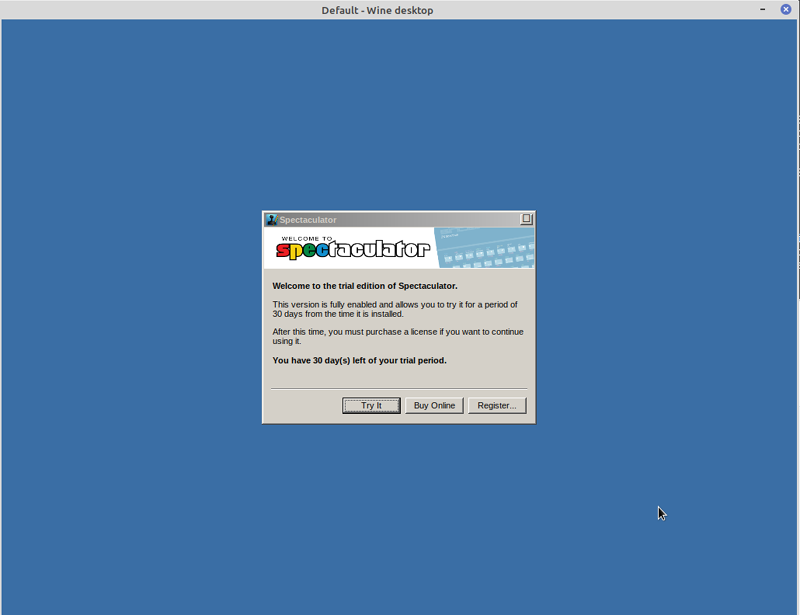
After installation you get a 30 day trial, after this you can
purchase a licence for only £10.99 / 12.99€ / 16.99USD which in my opinion is very good value for money.
Unlike other older 8bit computers, Amstrad (who owned the rights) allowed the free distribution of the original ZX Spectrum system ROMs for use with all emulators.
Screenshots